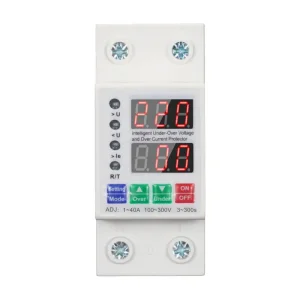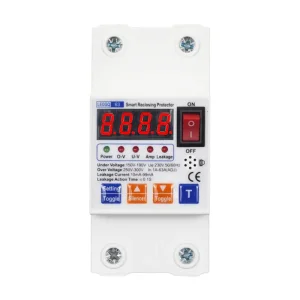
China WiFi Intelligent Overvoltage and Undervoltage 2P63A Leakage Protection Switch Manufacturers, Supplier

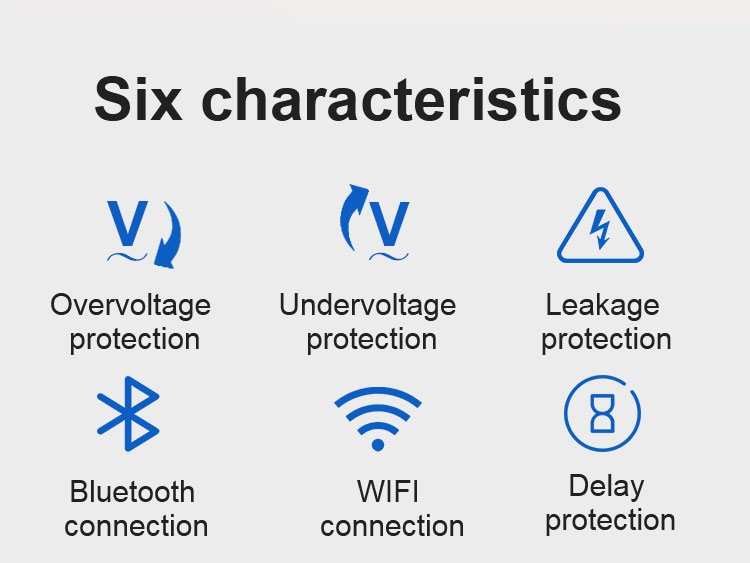
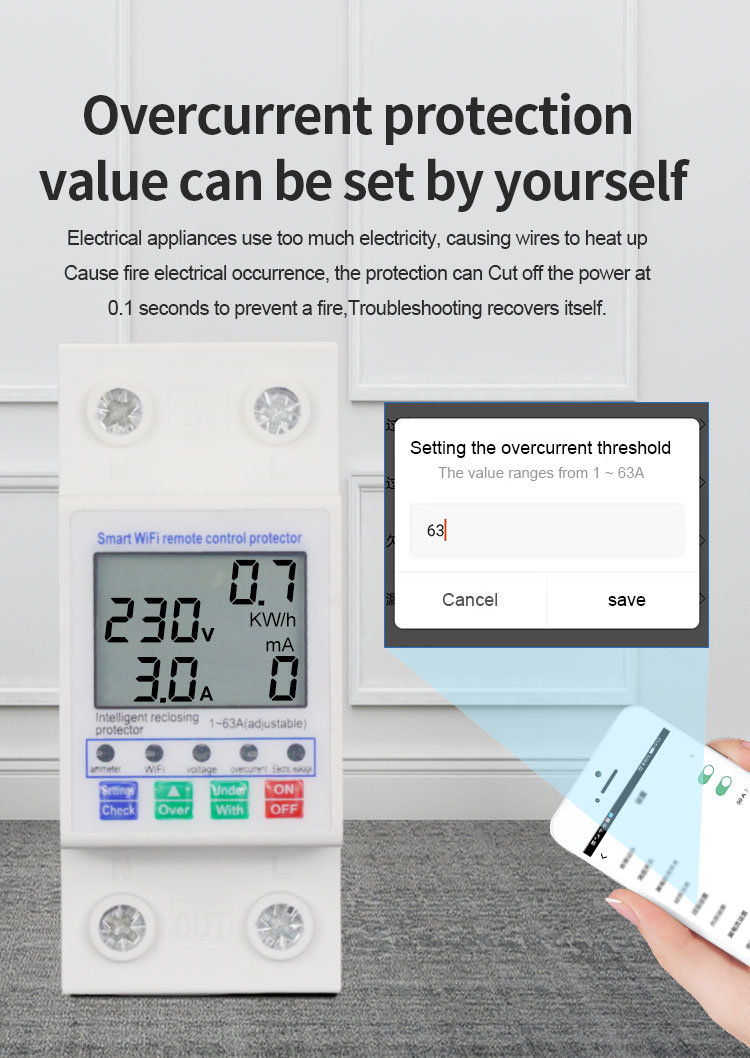
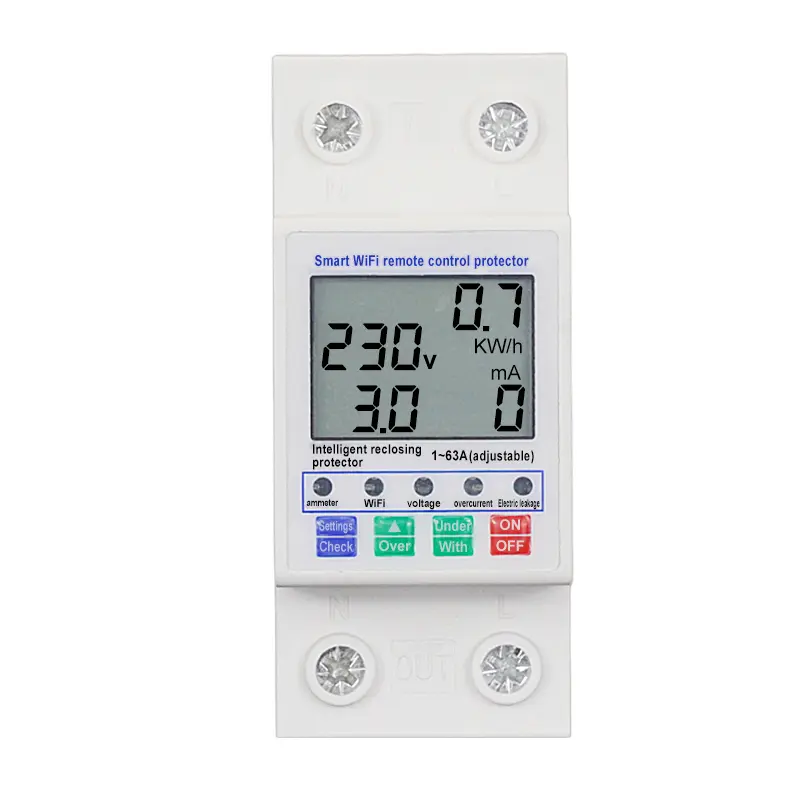
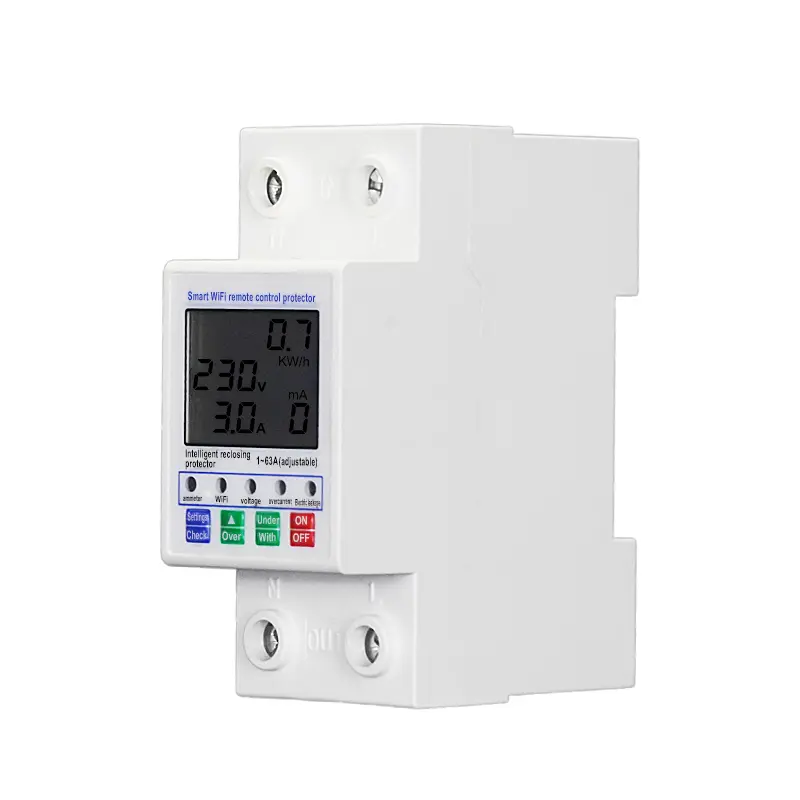
1.Overcurrent protectionvalue can be set by yourself. Electrical appliances use too much electricity, causing wires to heat up Cause fire electrical occurrence, the protection can Cut off the power at0.1 seconds to prevent a fire,Troubleshooting recovers itself.

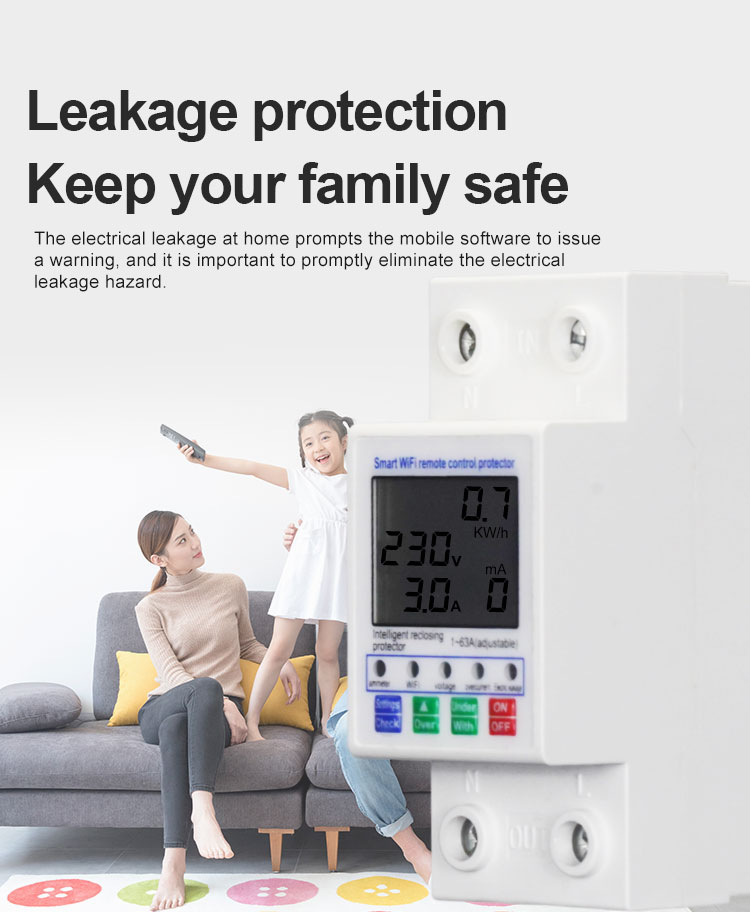
2.Leakage protection Keep your family safeThe electrical leakage at home prompts the mobile software to issue a warning, and it is important to promptly eliminate the electrical leakage hazard.

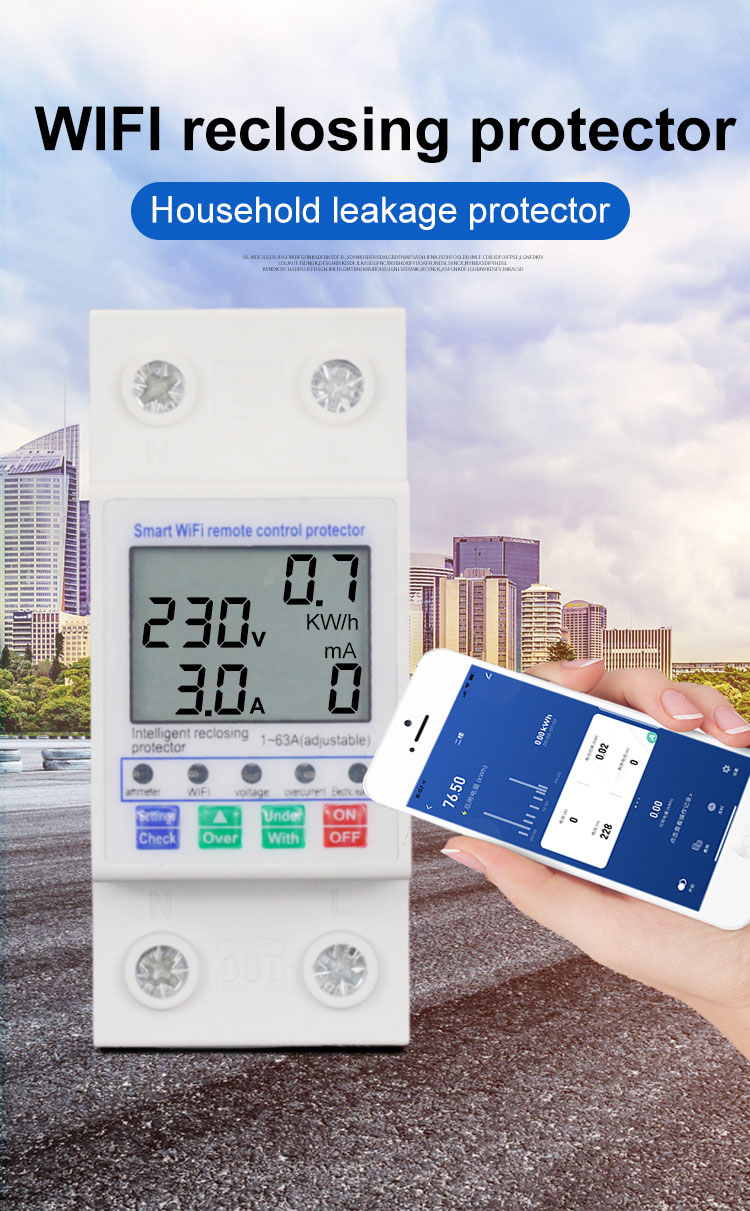
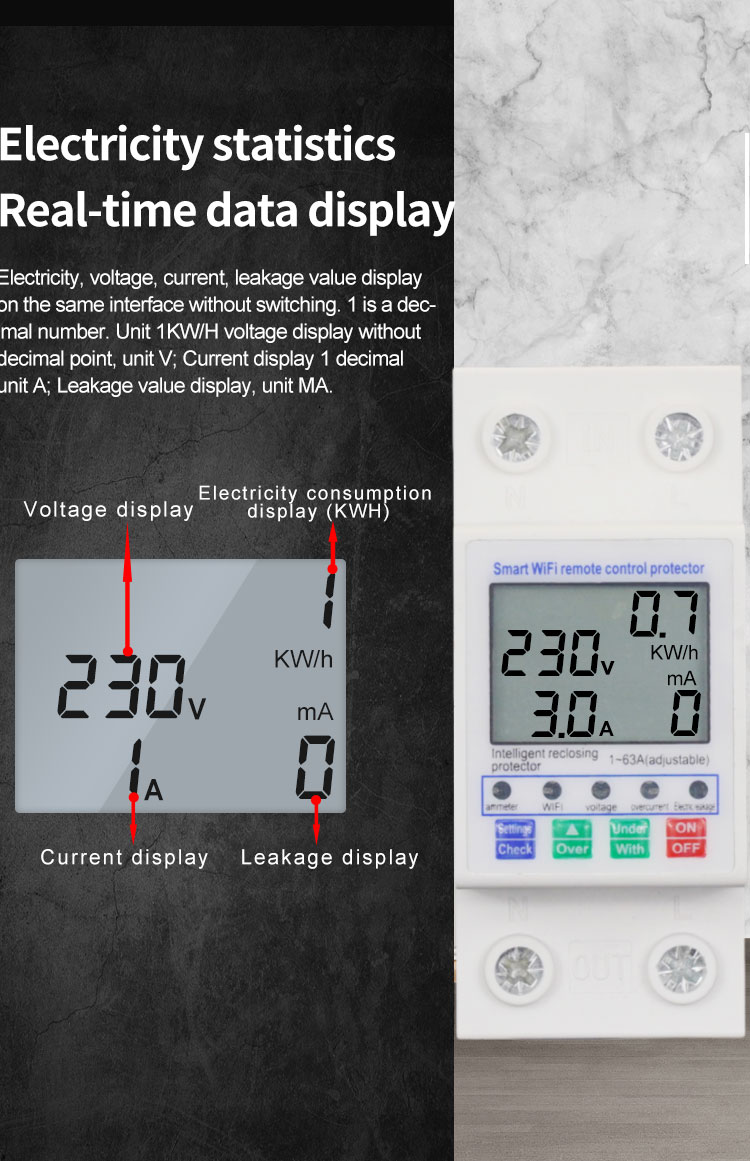
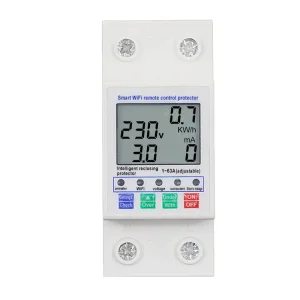
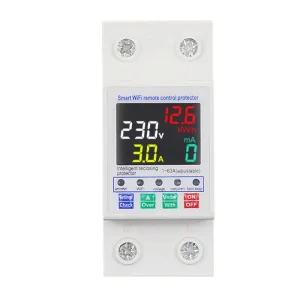
3.Electricity statistics Real-time data displayElectricity, voltage, current, leakage value displar on the same interface without switching. 1 is a decmal number. Unit 1KWH voltage display without decimal point, unit V, Current display 1 decimal unit A: Leakage value display, unit MA.

Product Description

Product Description

1
Search "Tuya smart" at mobile application market to download and install App.
2
Connect home Wi-Fi on your mobile phone and start "Tuya smart" APP.
3
Follow the instruction in the APP to register/login App account and add new device.
4
After finishing adding new device, you can use APP to control your device conveniently. APP is based on actual released version.
5
Start "Tuya smart" APP and log in. At the first page, select family at the top left corner and then click "+" on the top right corner to enter the device addition setting page.
6
Click "all device" and find out the "Energy" item to select. Turn the power on of the power meter and press t Key for 5 seconds till the network indicator flashes rapidly, click "confirming the indicator is flash rapidly".
7
Input the password of connected Wi-Fi (Only supports 2.4G wireless network, 5G network is not supported). Ensure no special characters in Wi-Fi name/password. Click "Confirm" and wait for connection.
8
Once added successfully, you can set the installation room. The switch button and central power button control the power on/off status.

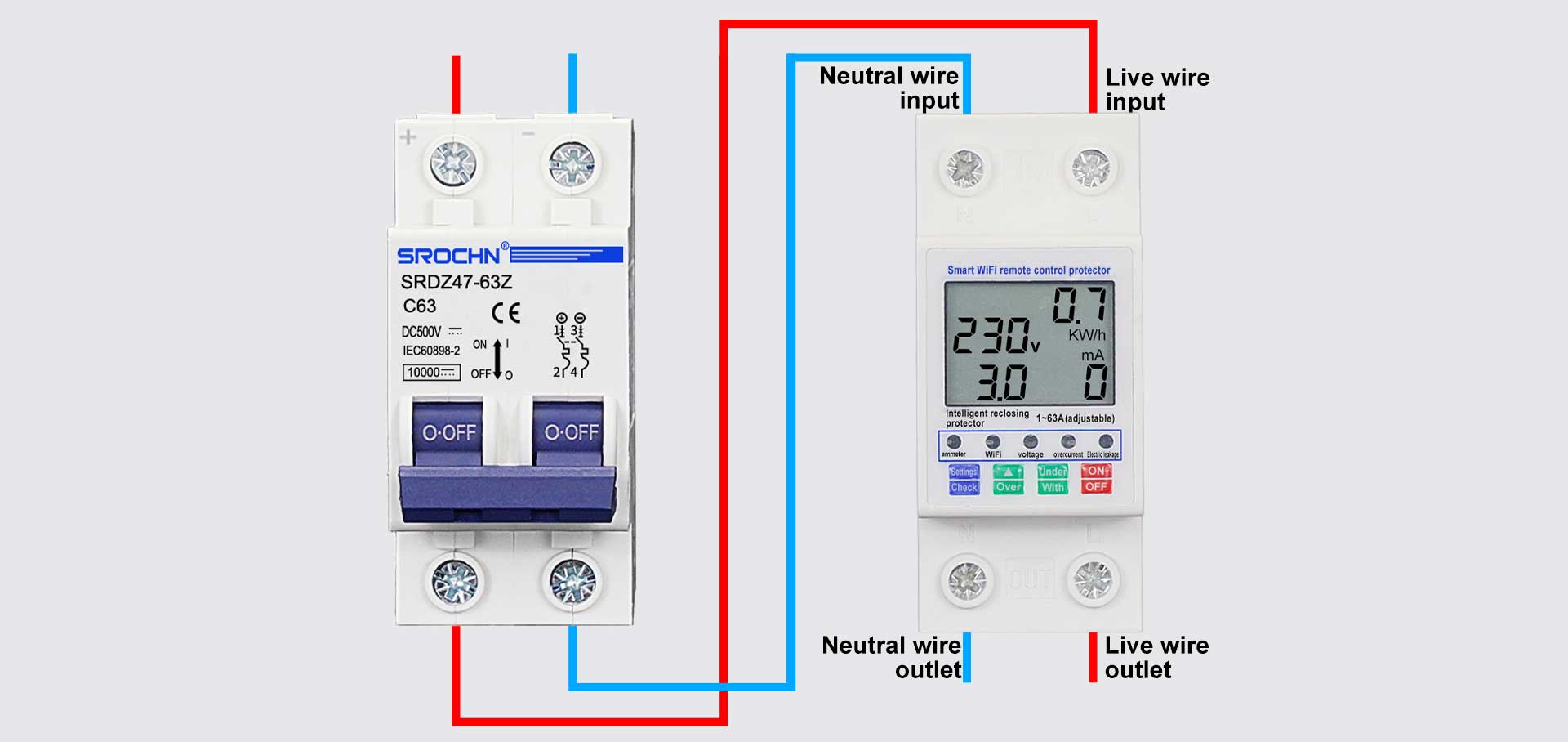
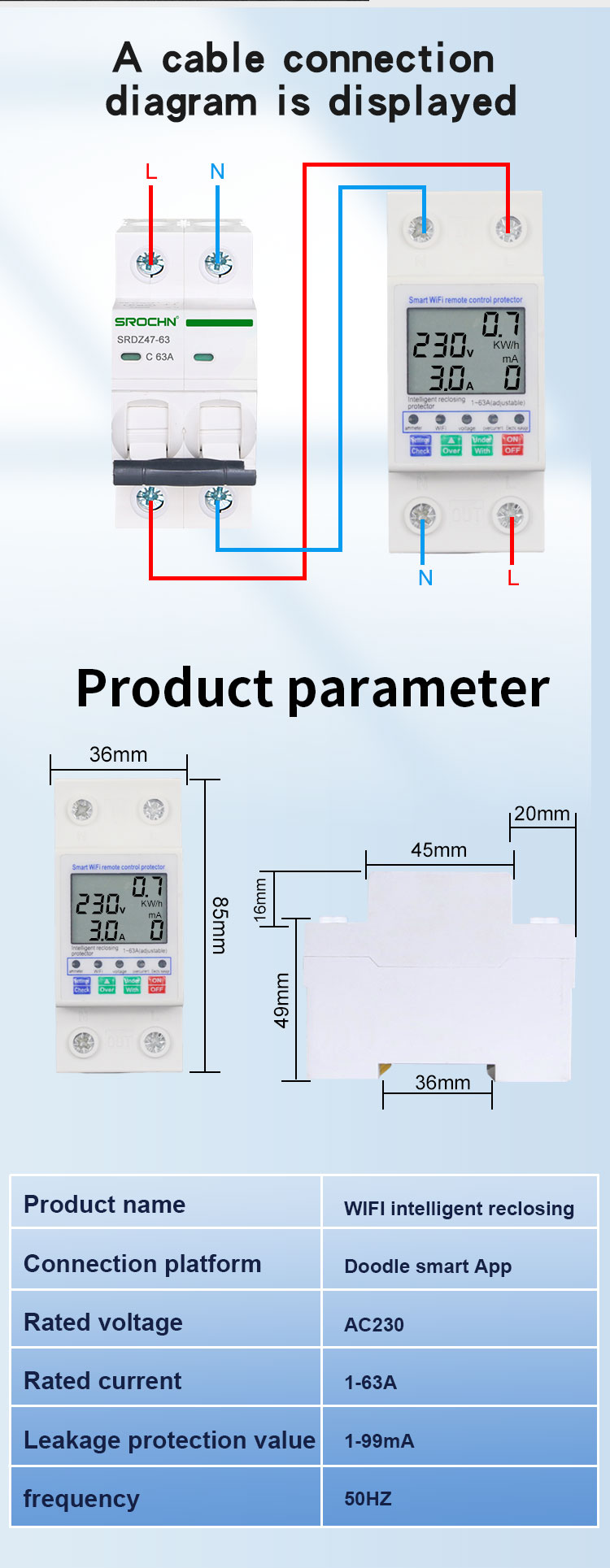
Wiring Method

Wiring Method

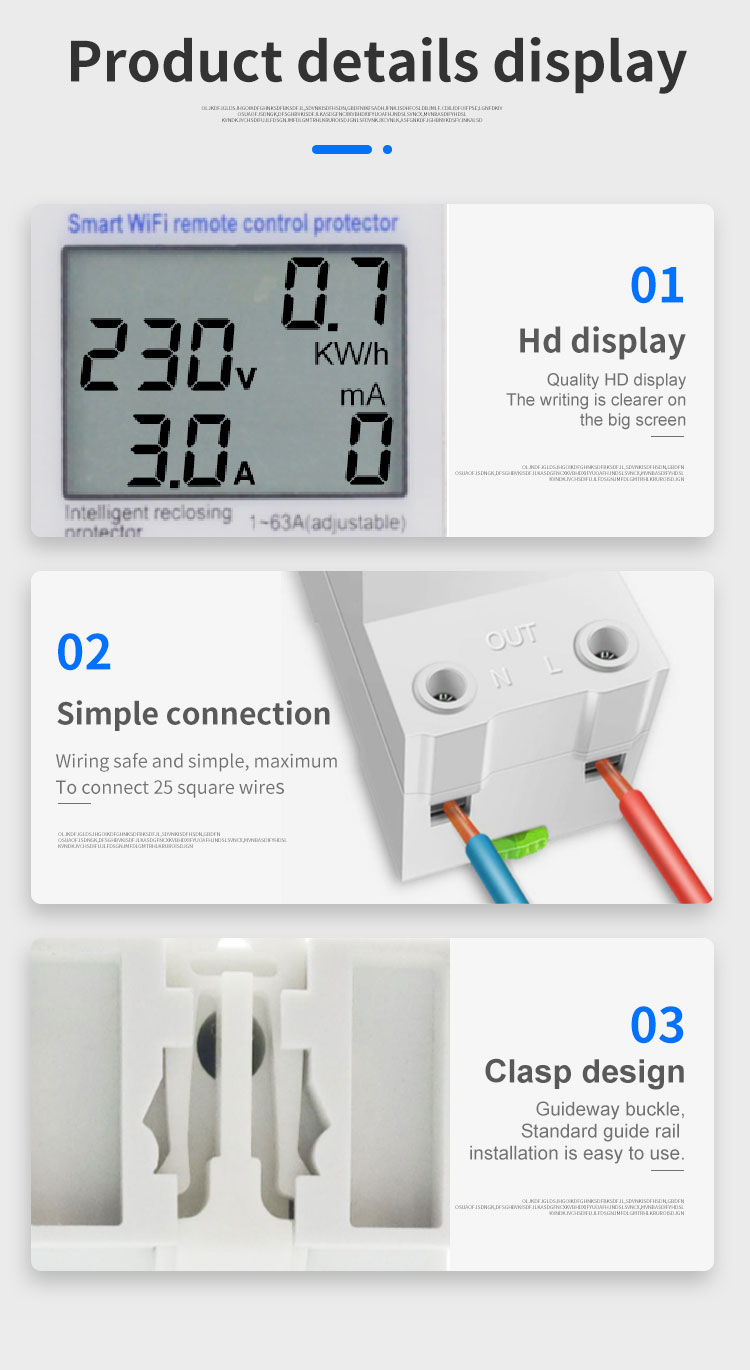
Parameter Information

Product name Smart WiFi remote control protector Overvoltage setting range 250V~300V
Delay setting range 5s-90s Undervoltage setting range 150V~190V
The rated voltage AC220V Leakage setting range 10mA~100mA
The number of 2P Overcurrent setting range 1A~63A
Rated frequency 50/60Hz Operating Temperature -30°C~70°C

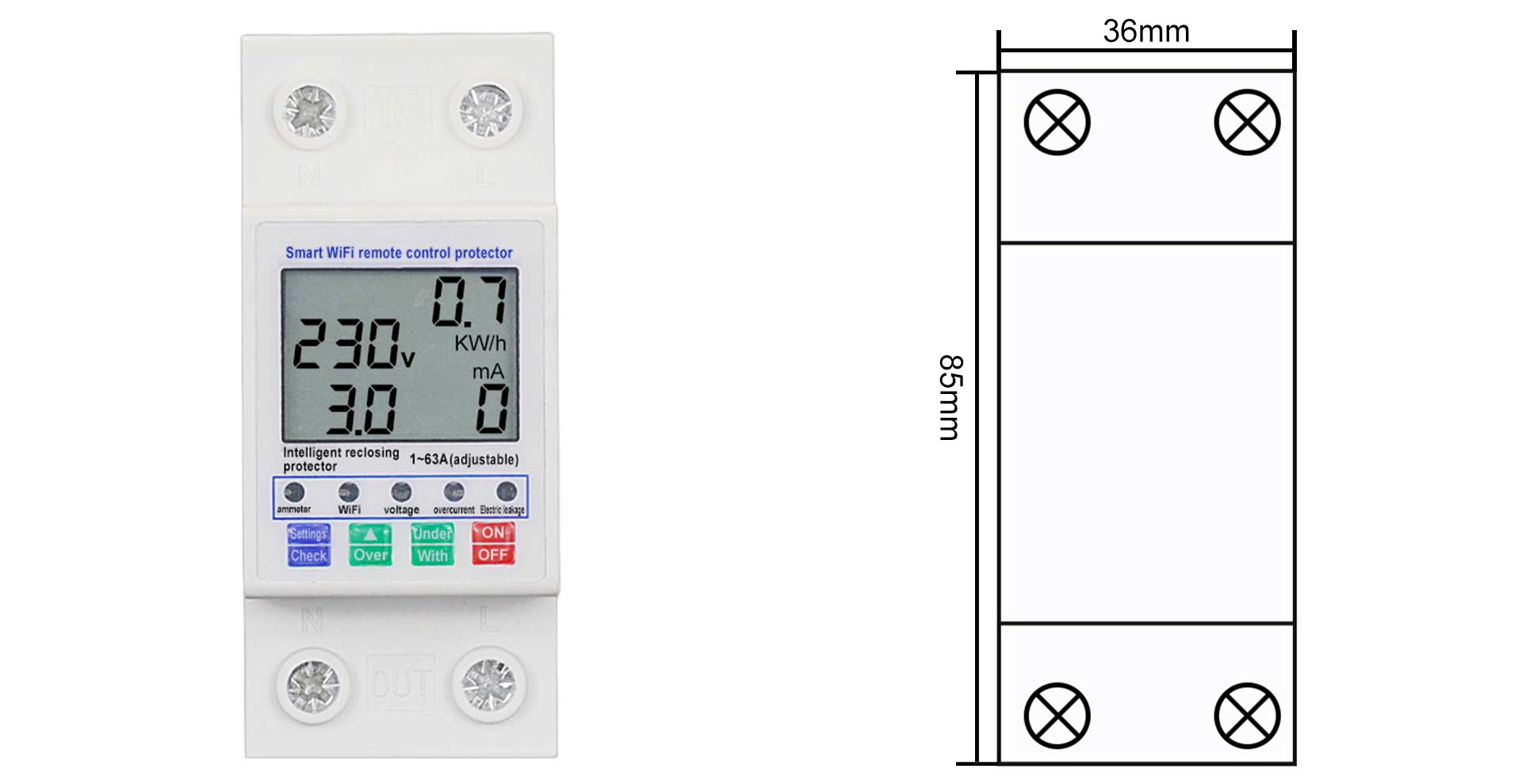
Product Size

Product Size

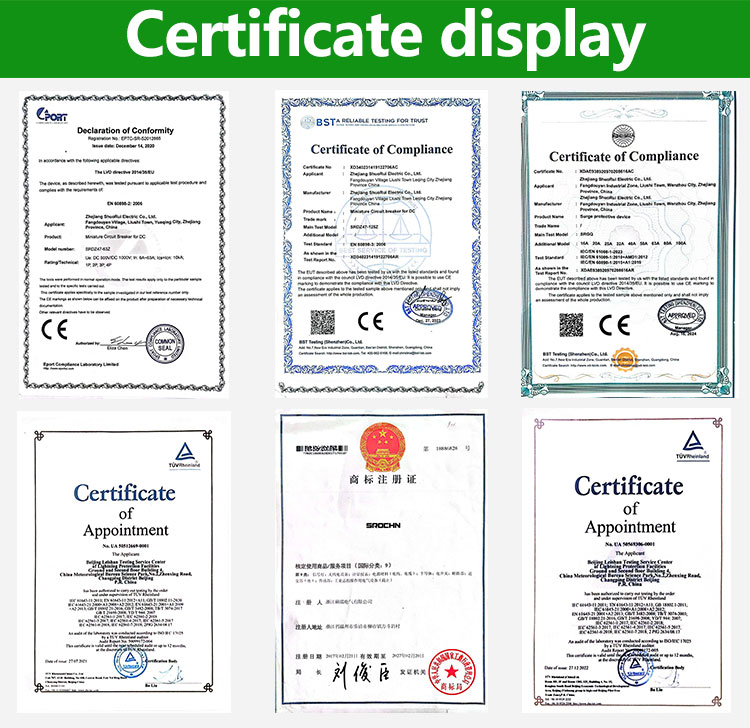
Detailed picture

Frequently Asked Questions

Which application is used for remote control?
The device uses the "Tuya Smart" app, available on major mobile application markets.
Does this device support 5G WiFi networks?
No, the device only supports 2.4G wireless networks. 5G wireless networks are currently not supported.
What are the protection setting ranges?
Overvoltage range is 250V-300V, Undervoltage is 150V-190V, and Overcurrent is 1A-63A.
Can I set a delay for the protector?
Yes, the delay setting range is adjustable between 5 seconds and 90 seconds.
What is the operating temperature for this protector?
The device is designed to operate in temperatures ranging from -30°C to 70°C.
How do I reset the device for network pairing?
Press the 't' key for 5 seconds until the network indicator flashes rapidly to enter pairing mode.

Related Products